Purchasing and downloading individual charts & insights — a step-by-step guide
TGM StatBox (tgmstatbox.com) is TGM Research's online statistics and market research library. It gives you instant access to consumer insight charts covering topics such as e-commerce, travel, pet care, gambling, sustainability, food delivery, and cryptocurrency across 40+ countries.
The platform now lets you buy a single chart or insight at a time, instead of requiring a subscription or full report purchase. This guide walks you through creating an account, finding a chart, and purchasing and downloading it.
Tip: New members automatically receive 3 free premium charts to view, so you can explore the platform before making your first purchase.
You can locate the specific chart you need in several ways:
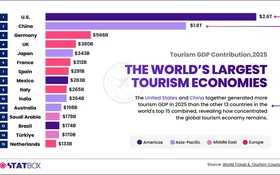
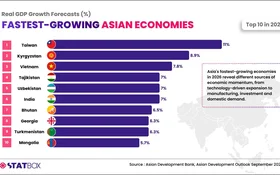
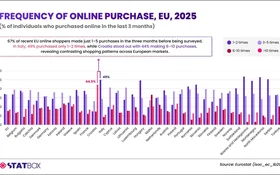
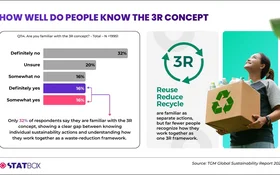
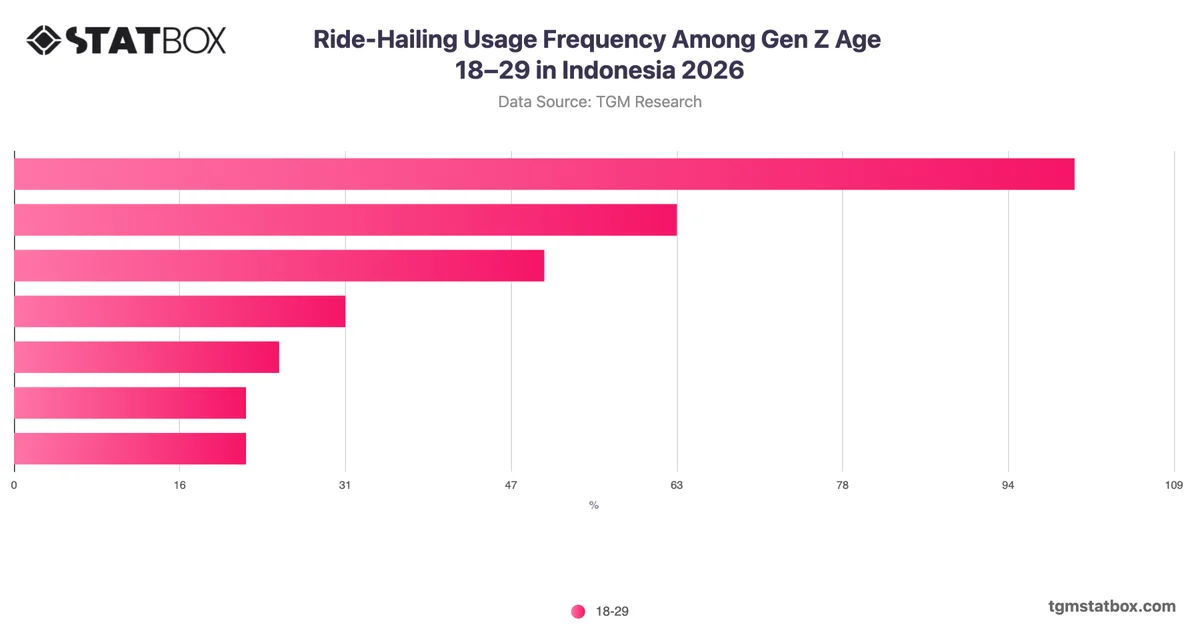
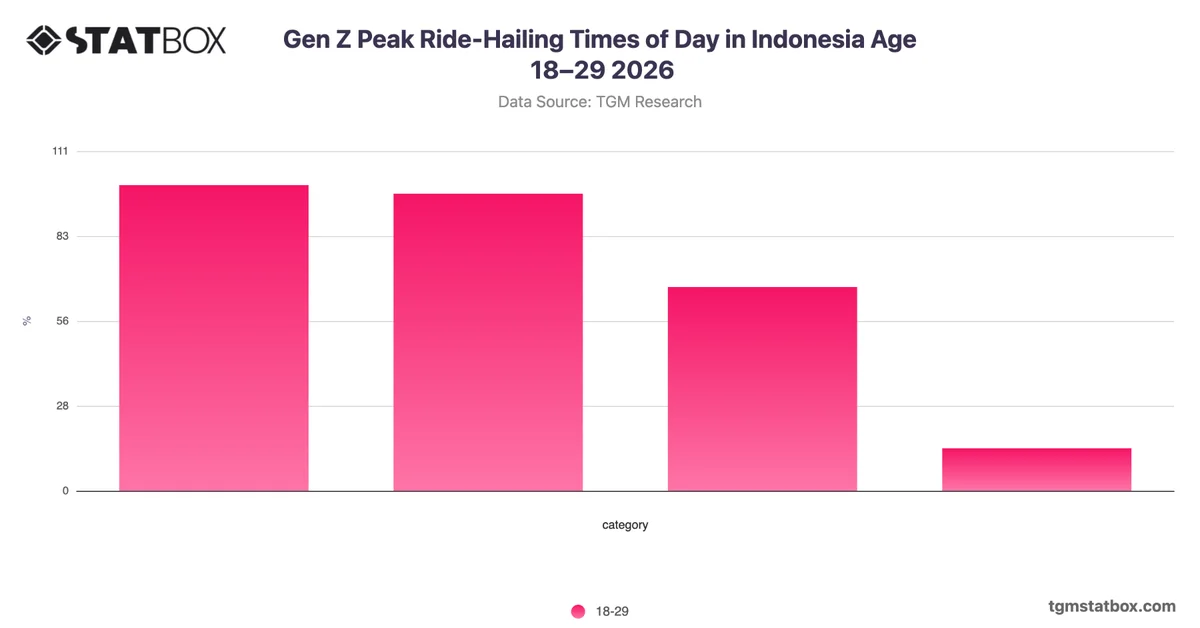
Each chart page shows a title, a blurred preview image, the data source, country, survey type, number of respondents, and the year published, along with a short AI-powered key-takeaways summary.
Once a chart is unlocked, the Download section on the chart page becomes active. You can export the chart in the following formats:
Click the format you need to download it directly to your device.
All charts you have unlocked (whether via free views or paid purchase) remain accessible from your account. Log in at any time to revisit and re-download previously purchased charts.
If you run into any issue with your account, a purchase, or a download, use the Contact form on the website or email:
contact.statbox@tgmresearch.com
The team aims to respond to inquiries within 24 hours.
Findings from our data, highlighting consumer behaviour, preferences, and market signals across global markets.
Follow global economic trends and market signals through clear visual stories.
The latest launches and updates from TGM StatBox.
TGM StatBox's data and infographics across global markets.
Consumer insights, data stories and product updates as we publish them. No other mail, and one click to leave.
Roughly two emails a month.
Our team can run the study behind the story — in 60+ countries, on your question, with the data belonging to you.
Type at least two characters to search.